
More actions
| Line 58: | Line 58: | ||
|- | |- | ||
|[[文件:3.5-MHS- | |[[文件:3.5-MHS-5.jpg|无框|190x190像素|link=https://www.lcdwiki.com/MHS-3.5inch_RPi_Display]] | ||
|- | |- | ||
Revision as of 11:50, 9 November 2018
About LCD Wiki

LCD Wiki is an open source professional display sharing website.
No advertising, no shopping, only research and sharing of display drivers and application technologies,
Welcome to send sample test and share your application experience.
Getting Started
- How to install the LCD driver
- How to install Soft Keyboard
- How to calibrate the resistance touch screen
- How to change display direction-GPIO-Resistive Touch
- How to change display direction-HDMI-Capacitive Touch
- How to change display direction-HDMI- Resistive Touch
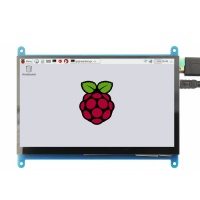
Raspberry Pi Display
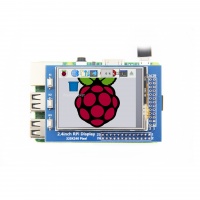
|
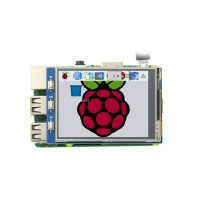
|
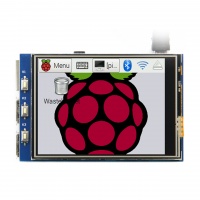
|
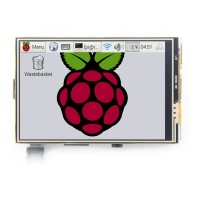
|
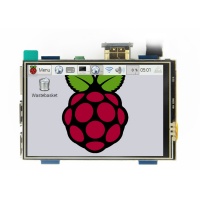
|
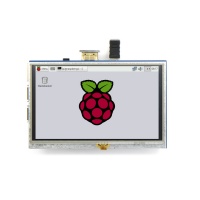
|
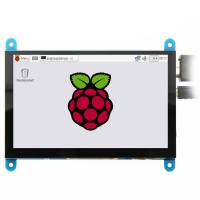
|
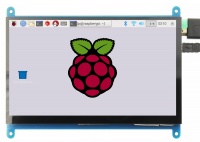
|
|
|
RaspberryPi MHS-series Display
| 无框|190x190像素|link=https://www.lcdwiki.com/MHS-3.5inch_RPi_Display |

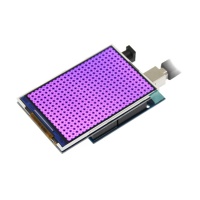
Arduino Display
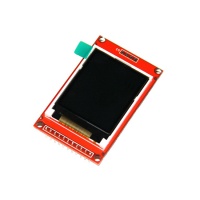
|
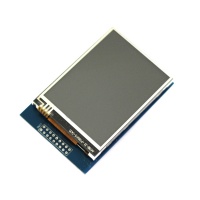
|
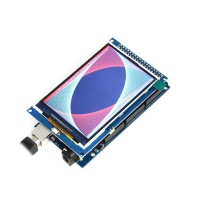
|
|
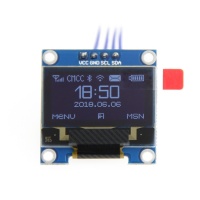
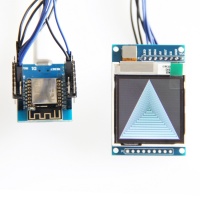
SPI&IIC Display
|
|
||
|